Image preprocessing in Xception model
The image preprocessing process for the Xception model typically includes the following steps:
- Size Adjustment:
- The Xception model expects the input image size to usually be 299x299 pixels.
- Color Channel Processing:
- The Xception model expects the input to be a color image, i.e., having 3 color channels (Red, Green, Blue). If your image is grayscale (single-channel), you need to convert it into a three-channel format.
- Pixel Value Normalization:
- The preprocessing method used by Xception involves normalizing pixel values to the range of [-1, 1]. This is achieved by dividing the pixel values by 127.5 and then subtracting 1.
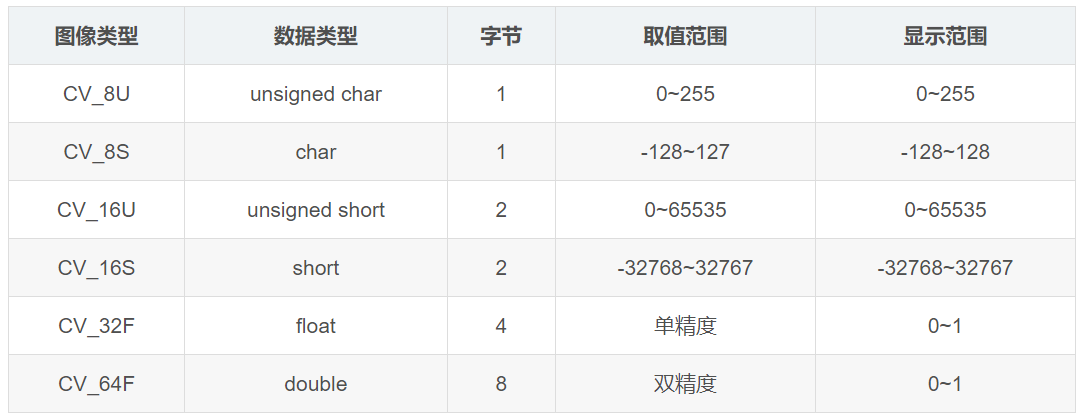
- When normalizing, it’s important to ascertain the exact bit depth of the image and normalize accordingly. This is especially relevant for medical imaging or certain special image formats (like TIFF or DICOM) where the image data might not be standard 8-bit per channel.
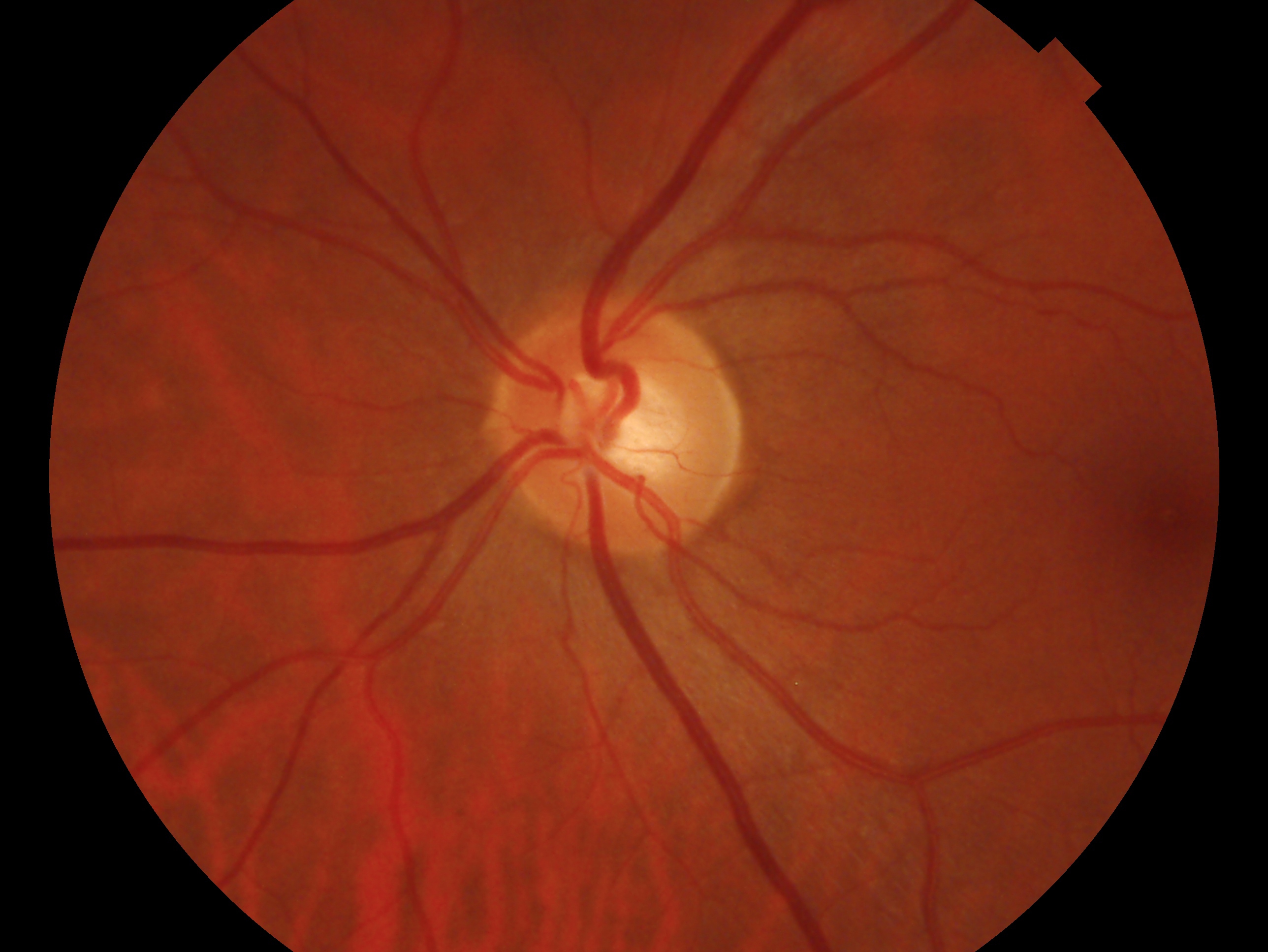
1 | def load_image(image_path, size=(299, 299), to_grayscale = False): |
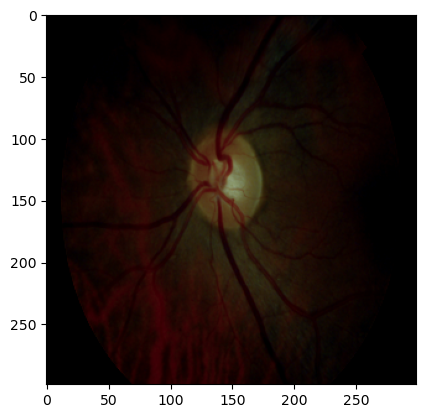
According to the official description of preprocessing in xception model, the normalization step is slightly different in tensorflow.
- caffe: will convert the images from RGB to BGR, then will zero-center each color channel with respect to the ImageNet dataset, without scaling.
- tf: will scale pixels between -1 and 1, sample-wise.
- torch: will scale pixels between 0 and 1 and then will normalize each channel with respect to the ImageNet dataset.
The following code is modified from the built-in normalization function from Keras tf.keras.applications.xception.preprocess_input
1 | image_array = np.array(image, dtype=np.float32) |
Note that OpenCV reads in the image by BGR(Blue, Green, Red) order in default, which is different from PIL (Python Imaging Library) (i.e. RGB (Red, Green, Blue)).
1 | # OpenCV |
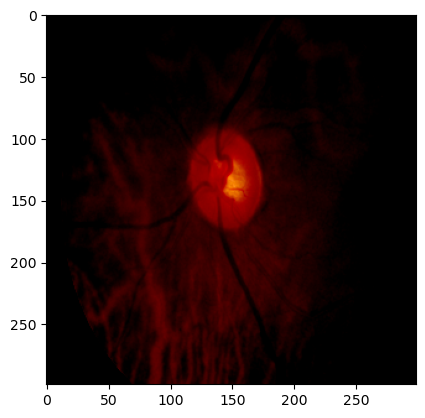
If we convert the above rgb image into grayscale format. This conversion is achieved by copying the content of the single grayscale channel into the three RGB channels.
1 | def rgb2grayscale(img): |

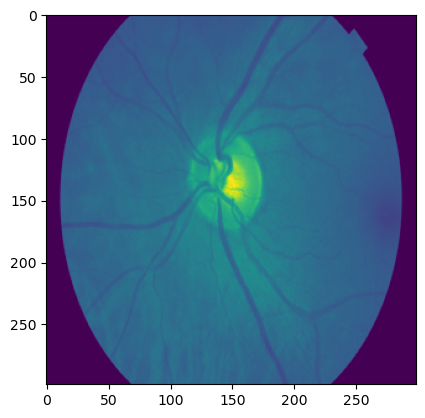
When choosing to draw a single-channel grayscale image or one channel of a three-channel grayscale image, pseudocolor mapping is used to display the grayscale image. This is a common processing method that helps visually distinguish different levels of grayscale. Pseudocolor mapping is mainly used in the following situations:
- Improving Visualization
- Data Analysis
- Data Augmentation: we don’t use this kind augmentation in general. This is because models typically need to learn from the original data, and pseudocolor mapping changes the original pixel values of the image, which may introduce unnecessary complexity or interfere with the learning of model features.
References ⭐
Image preprocessing in Xception model
https://janofsun.github.io/2023/12/12/Image-processing-in-Xception-model/